Give Your Clients a Professional Portal
A Better Experience for Your Clients
Self-Service Access
Clients can log in anytime to view their requests, quotes, invoices, and appointments without needing to call or email you.
Online Payments
Clients can review and pay invoices directly through the portal, helping you get paid faster with less back and forth.
Appointment Management
Clients can view upcoming appointments and request rescheduling or cancellation, keeping everyone on the same page.

Everything your clients need in one place

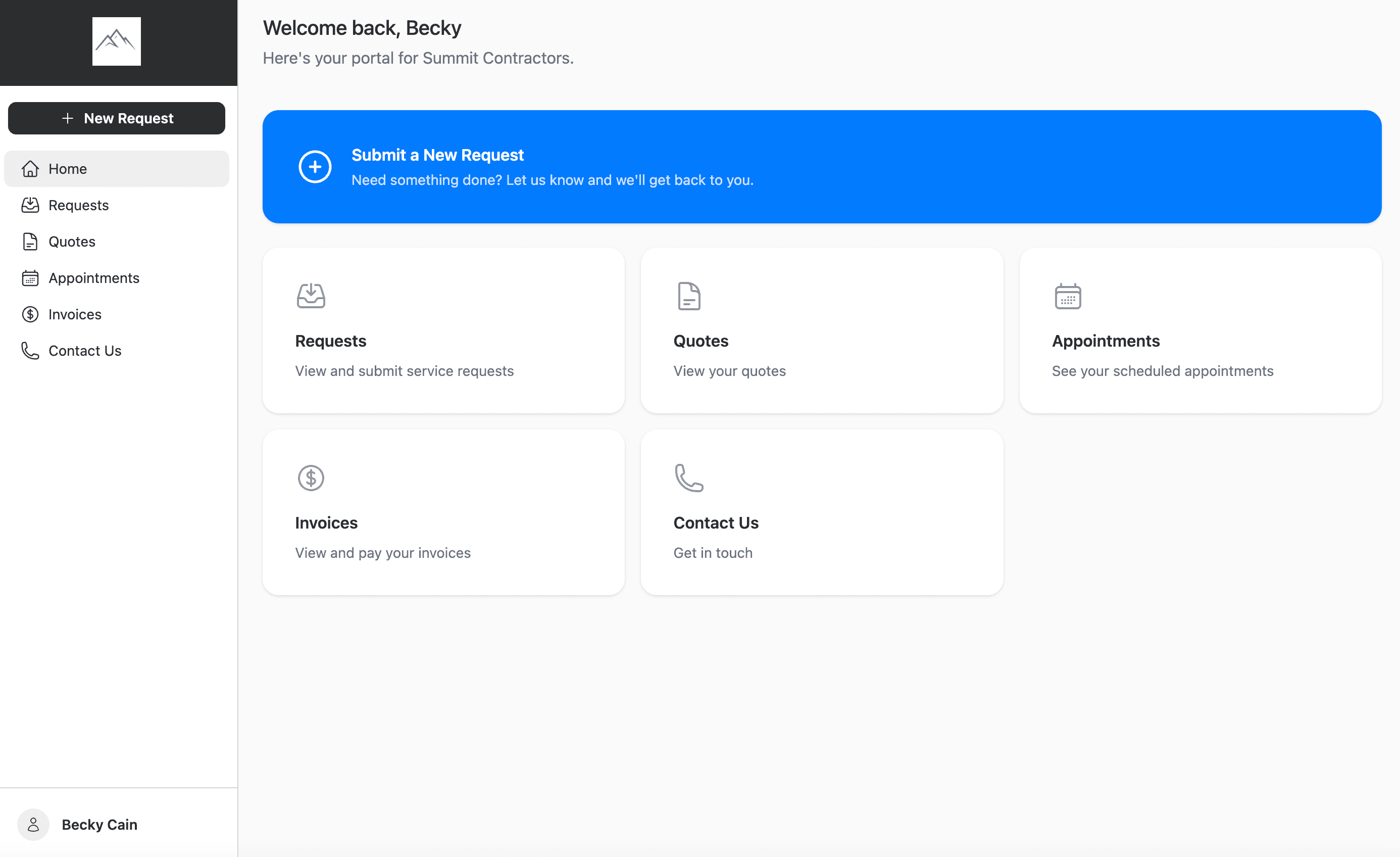
Client Dashboard
When clients log in, they see a clean, intuitive dashboard with quick access to their requests, quotes, appointments, invoices, and your contact information. One central hub to stay connected with your business.
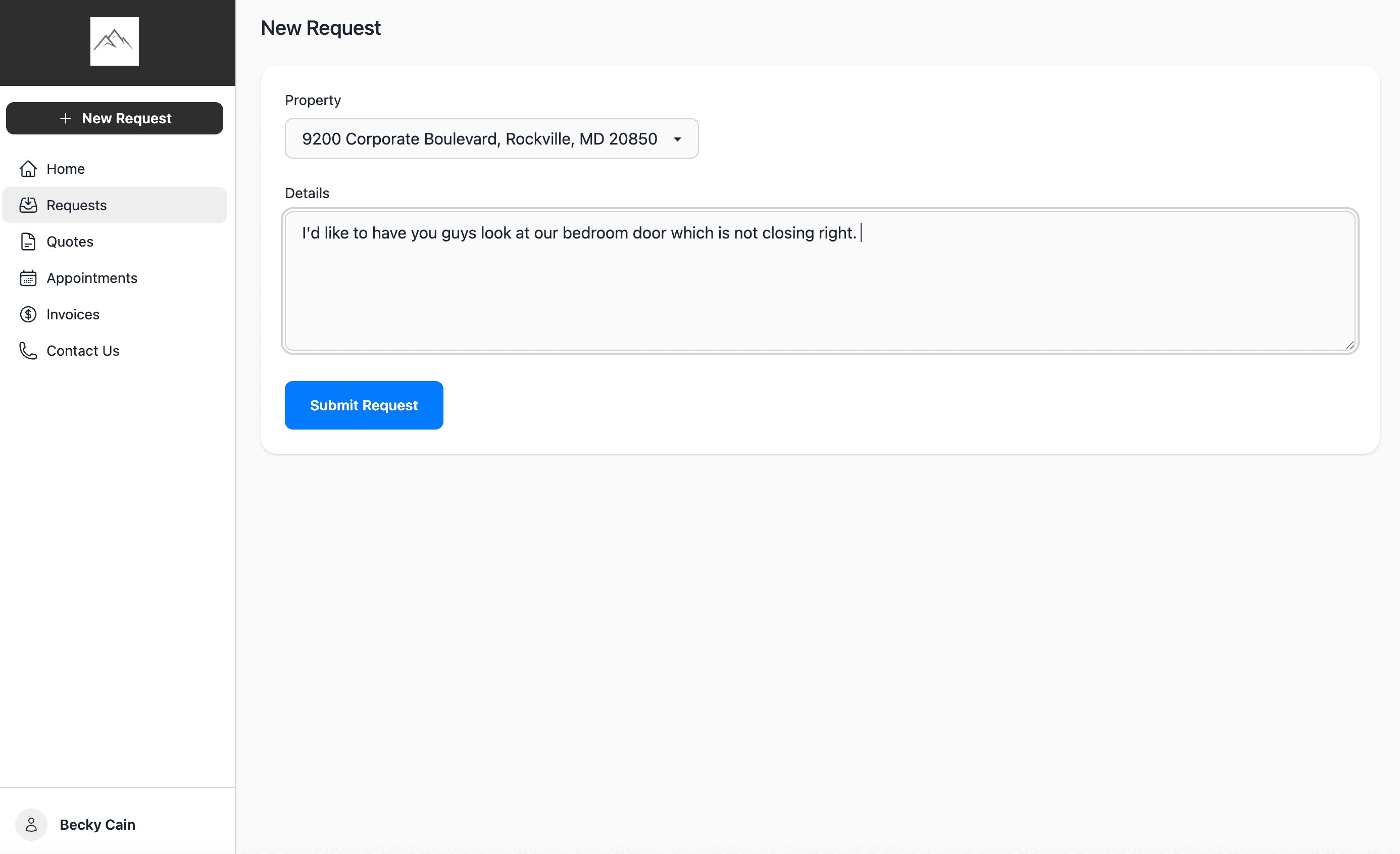
Submit Service Requests
Clients can submit new service requests directly through the portal by selecting a property and describing what they need. No more missed voicemails or lost emails — every request goes straight into your workflow.
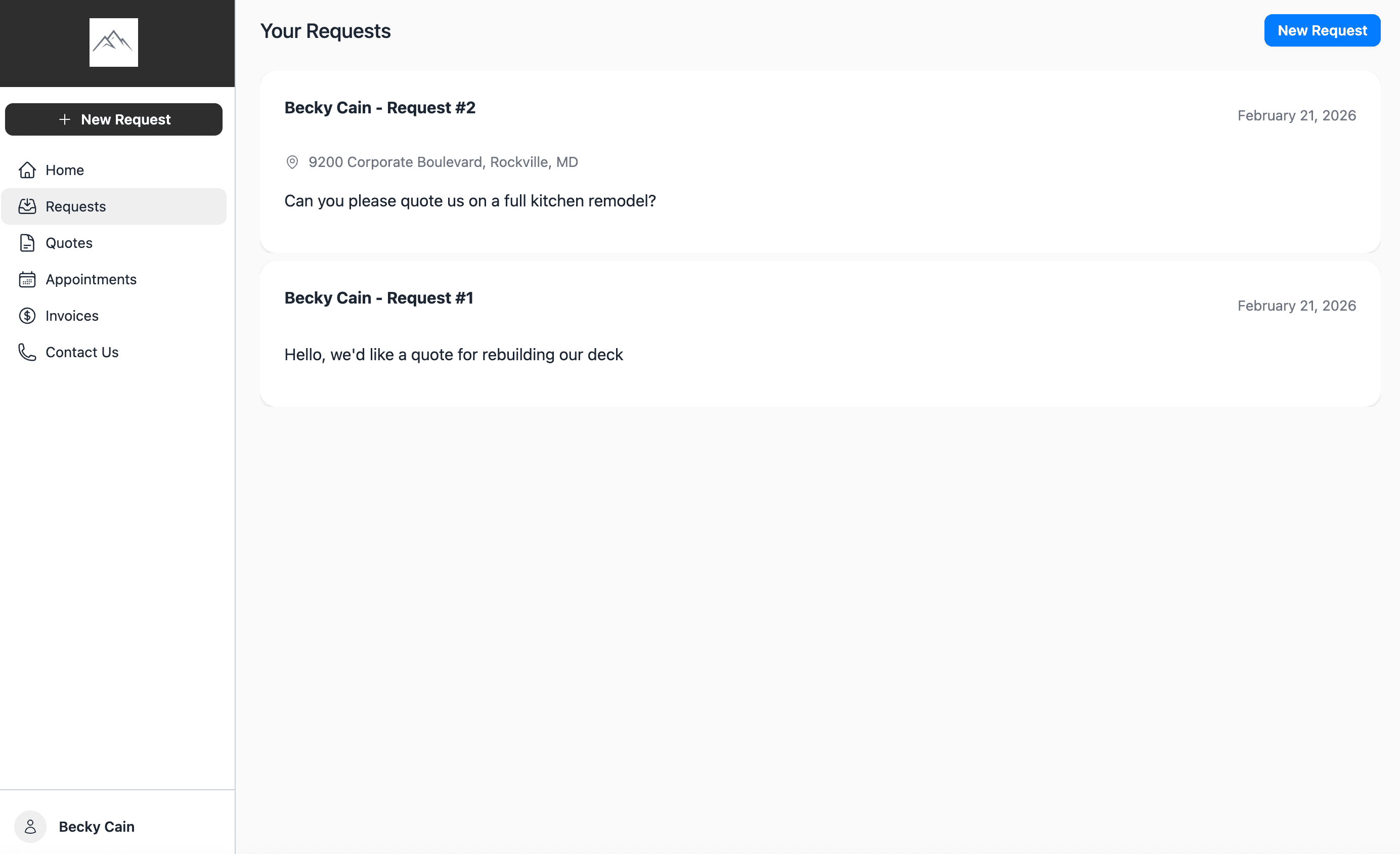
Track Requests
Clients can view all of their submitted requests in one place, with details on each one. They always know the status of their work and can easily reference past requests — reducing repeat inquiries to your team.
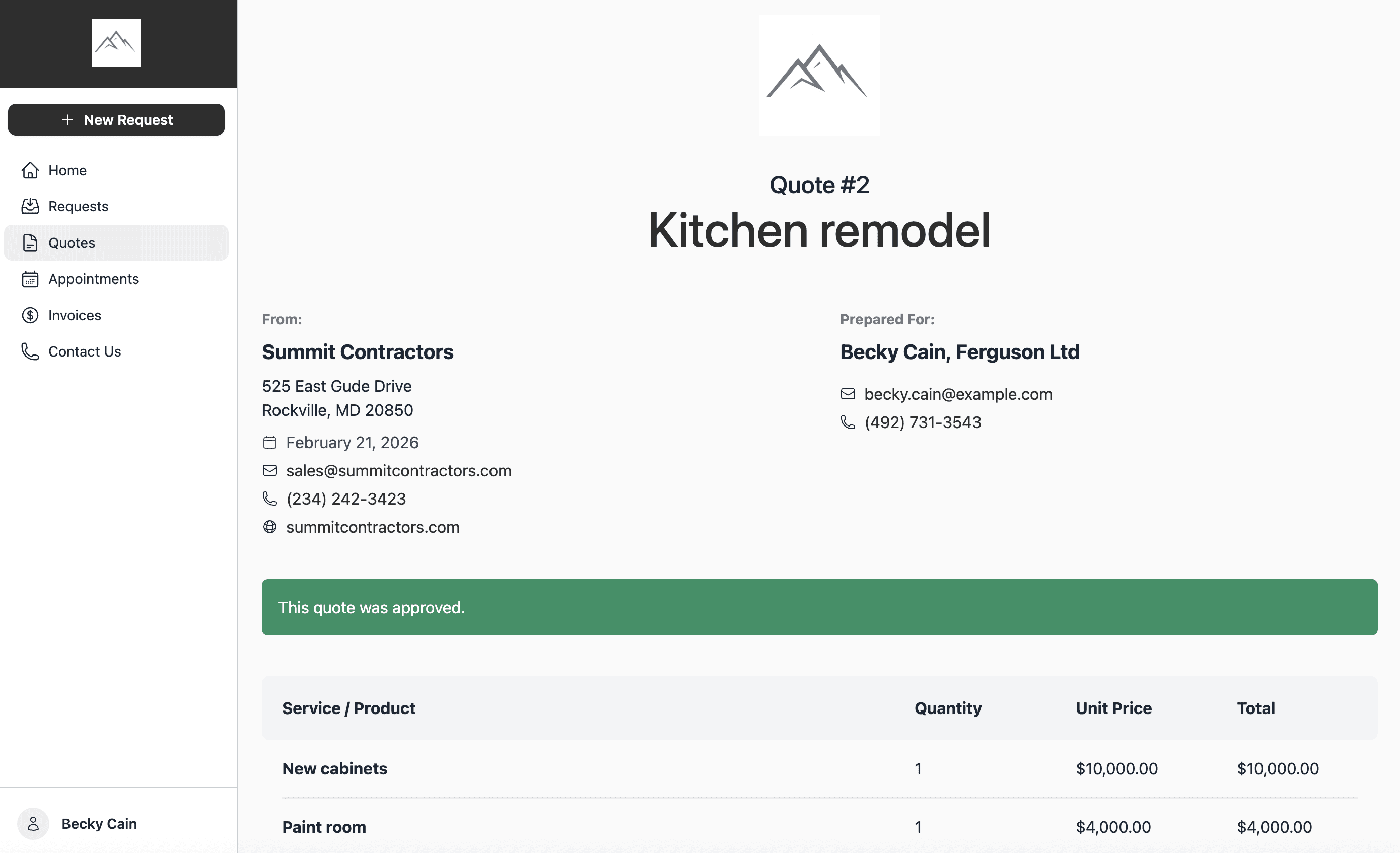
Review & Approve Quotes
Clients can review line items, totals, any required deposit, and the payment schedule before accepting or declining a quote directly from the portal. They can see how the cost is split before work begins, with no printing or scanning needed.
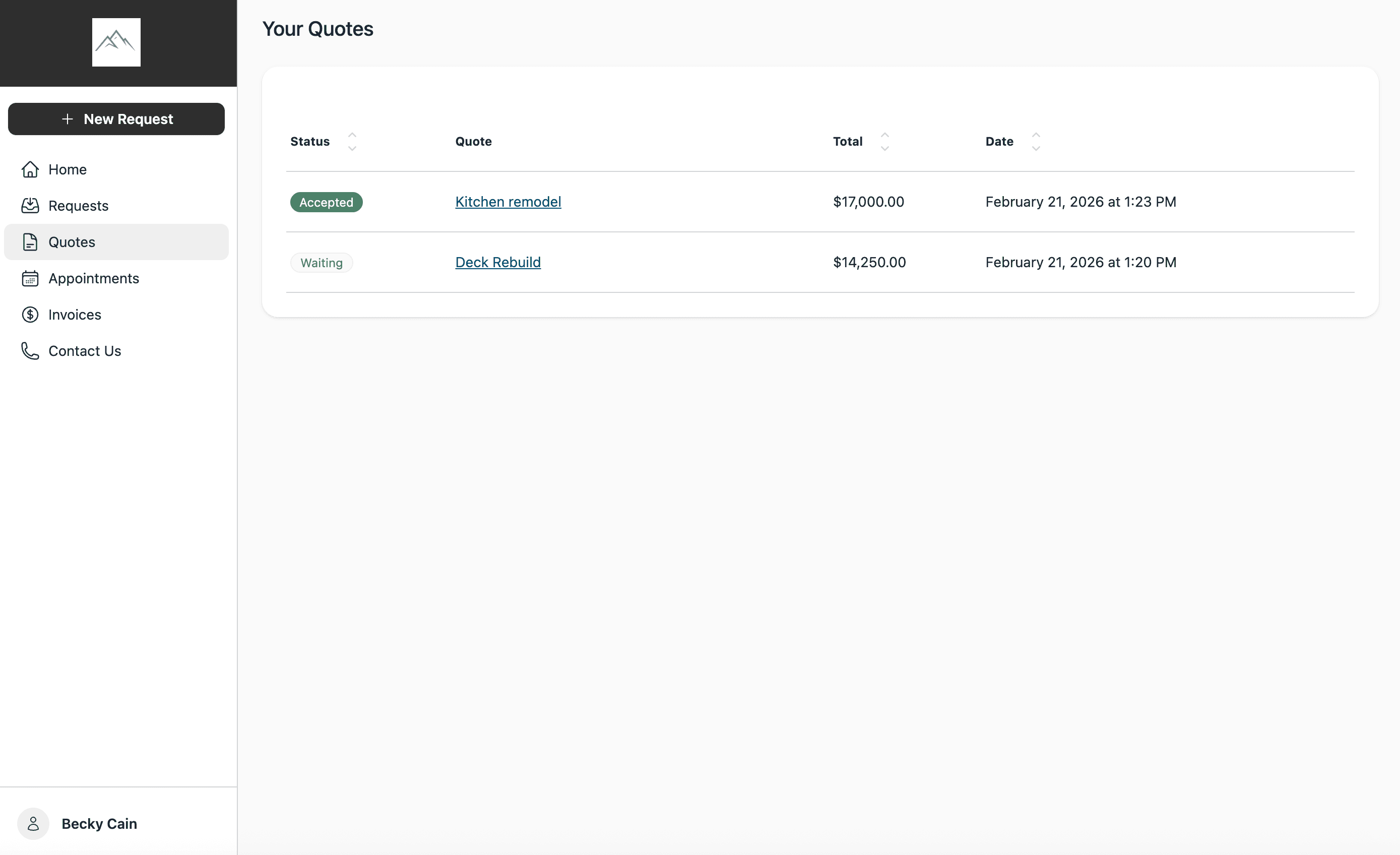
Quotes Overview
Clients can browse all of their quotes with clear status indicators, totals, and dates. Whether a quote is accepted, waiting, or declined, your clients always know where things stand.
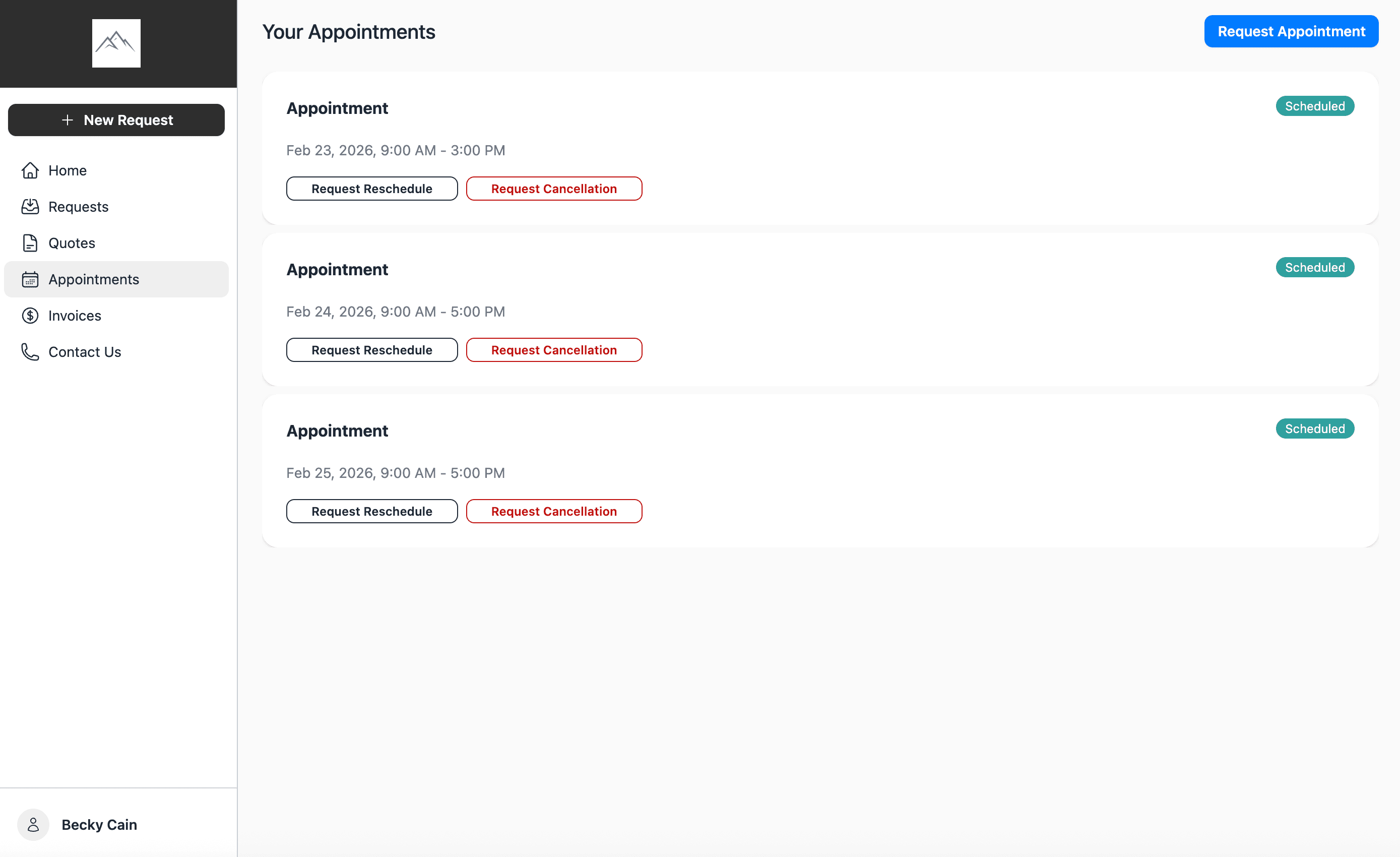
View & Manage Appointments
Clients can see all their upcoming appointments with date, time, and status details. Customers on an ongoing schedule also get a look further ahead at the visits still to come, so they know when you are due back. Need to reschedule or cancel? They can request changes directly from the portal, and your team gets notified instantly.
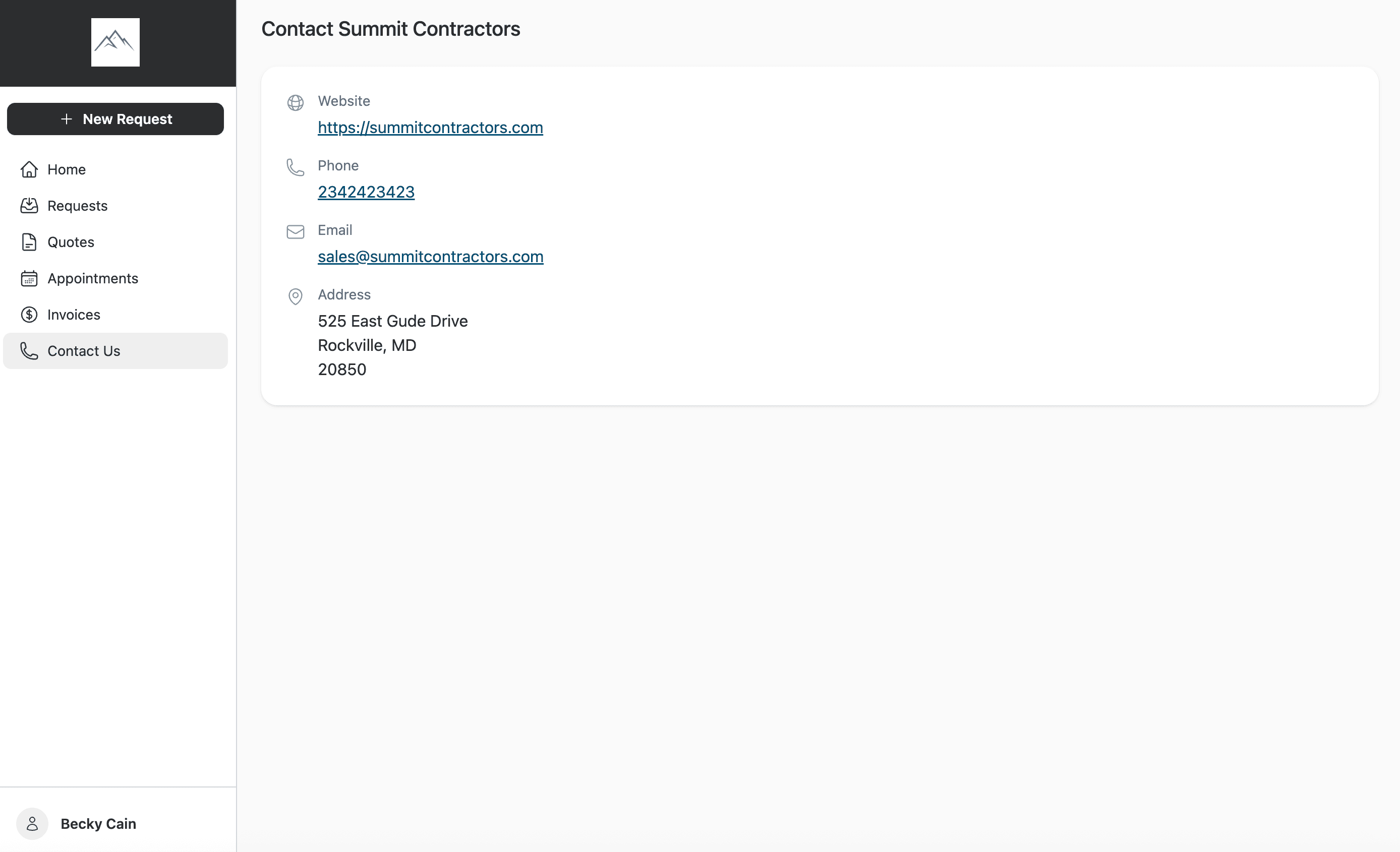
Business Contact Page
Clients can easily find your business website, phone number, email, and address right from the portal. No searching through old emails or business cards — your information is always one click away.
Ready to take your home service business to the next level?
Frequently Asked Questions
Do I need the Client Portal to send invoices and quotes?
No. You can send invoices and quotes to your customers without the Client Portal — and your customers can still view, approve, decline, and pay them just like they always have. The Client Portal is an optional Advanced Plan upgrade that gives your clients a single place to see all of their quotes, invoices, requests, and appointments together.
What is the Client Portal?
The Client Portal is a secure, branded space where your clients can log in to view their requests, quotes, invoices, and appointments — all in one place. They can also submit new requests, approve or decline quotes, pay invoices, and manage their appointments without needing to call or email you.
Which plan includes the Client Portal?
The Client Portal is available on the Advanced plan. Upgrade to Advanced to give your clients a professional self-service experience.
Can my clients pay invoices through the portal?
Yes! Clients can view their invoices and make payments directly through the portal using credit cards or ACH transfers. This helps you get paid faster and reduces the time spent chasing payments.
Can clients request to reschedule or cancel appointments?
Yes, clients can view their upcoming appointments and request rescheduling or cancellation directly from the portal. Your team receives a notification so you can respond and adjust accordingly.
How do clients access the portal?
Clients receive a link to the portal where they can log in securely. Once signed in, they have access to all their project information, quotes, invoices, and appointments.
Can clients submit new service requests?
Yes! Clients can submit new service requests by selecting a property and describing what they need. The request goes directly into your BlueSuite workflow so nothing falls through the cracks.
Is the Client Portal branded to my business?
Yes, the Client Portal displays your business logo and contact information, giving your clients a professional, branded experience when they interact with your business online.