Mailchimp Integration
The BlueSuite Mailchimp integration lets you automatically sync contacts to a Mailchimp audience when specific events happen in your workspace.
Mailchimp is an email marketing and marketing automation platform that helps businesses manage contact lists, build audiences, and send emails to customers. It is commonly used to create newsletters, promotional campaigns, automated follow-up emails, and customer journeys based on actions or events.
For BlueSuite users, Mailchimp can help keep customer contacts organized and make it easier to stay in touch with leads and clients through targeted email marketing.
How to connect Mailchimp to BlueSuite
- Log in to your BlueSuite workspace.
- Click Integrations in the left-side navigation menu.
- Select Mailchimp from the list of integrations.
- Click to connect your Mailchimp account to BlueSuite.
- Authorize BlueSuite in Mailchimp to allow the connection.
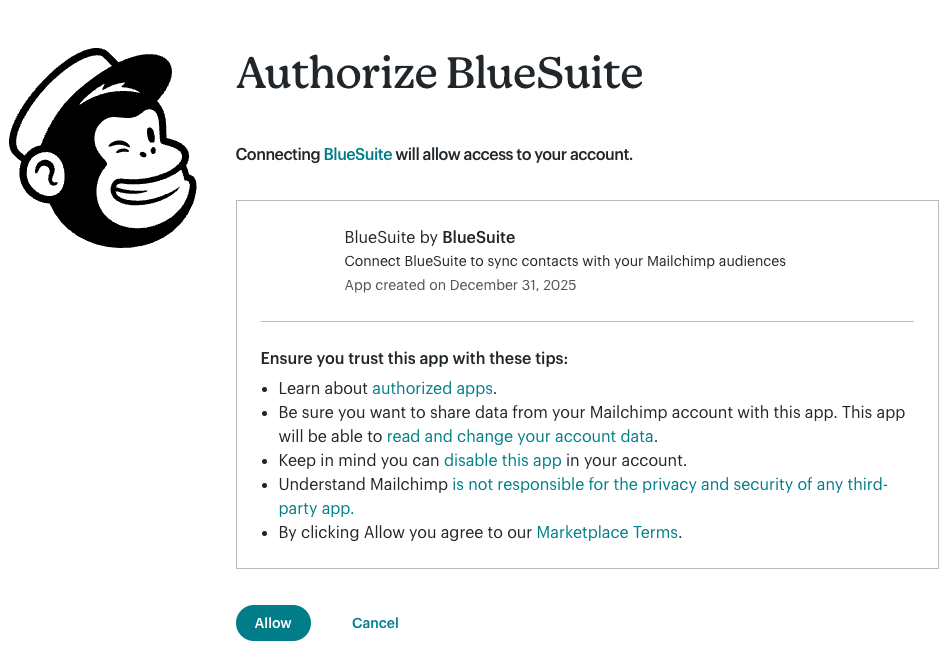
Once connected, you can create a workflow to automatically send contacts from BlueSuite to a Mailchimp audience.
How to create a Mailchimp workflow
- Click Create Workflow.
- Choose when the workflow should run by selecting a BlueSuite event.
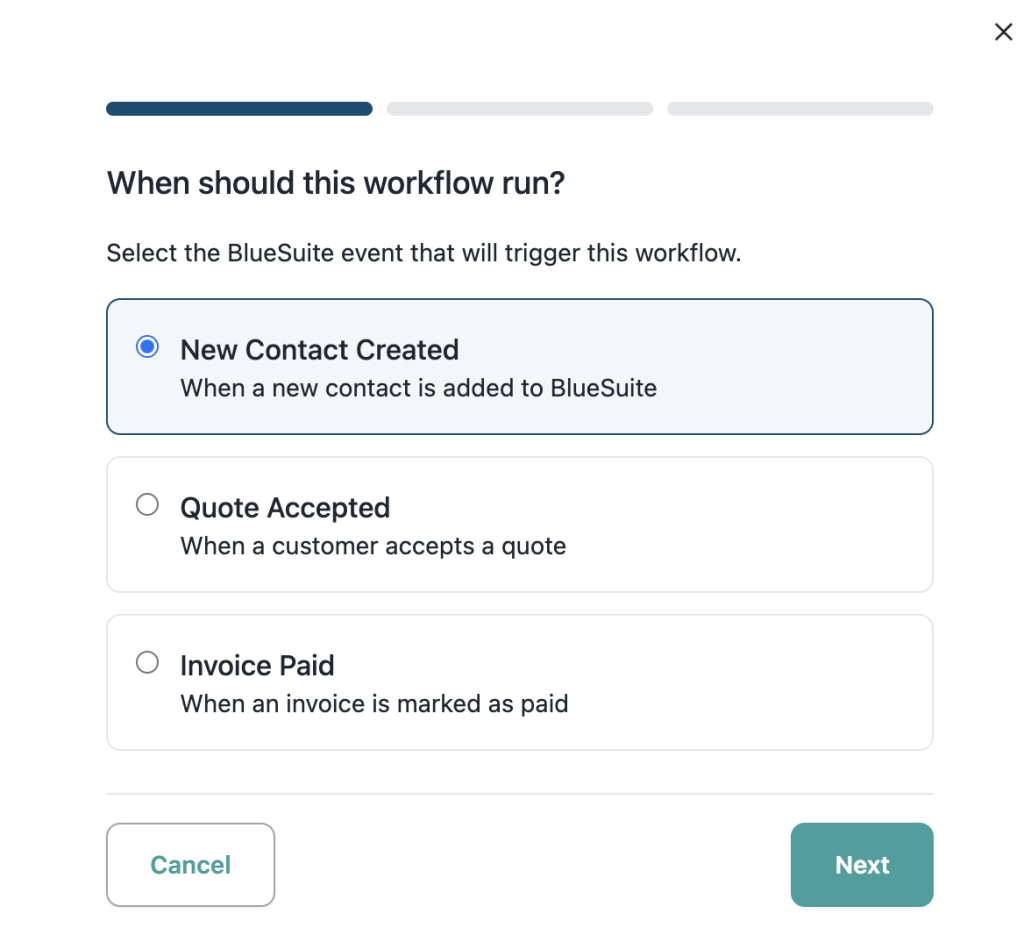
Available trigger events include:
- New Contact Created
When a new contact is added to BlueSuite - Quote Accepted
When a customer accepts a quote - Invoice Paid
When an invoice is marked as paid
- Select the Mailchimp audience you want contacts added to.
- Enter a workflow name if you want to customize it.
- Click Save.
Workflow summary
When you save a workflow, BlueSuite will automatically add contacts to your selected Mailchimp audience when the chosen trigger happens.
For example, you could create a workflow like:
- Trigger: New Contact Created
- Target: Chosen Mailchimp Audience
That’s it
Once your Mailchimp integration is connected and your workflow is saved, BlueSuite will automatically sync contacts to the Mailchimp audience you selected.
FAQ
What is Mailchimp?
Mailchimp is an email marketing platform that helps businesses manage contact lists, build audiences, send campaigns, and automate follow-up emails.
Why would a home service business use Mailchimp?
Mailchimp helps home service businesses stay in touch with leads and past customers through promotions, seasonal reminders, newsletters, and automated follow-up emails.
How does Mailchimp work with BlueSuite?
BlueSuite can sync contacts to a Mailchimp audience when specific events happen in your workspace, such as when a new contact is created, a quote is accepted, or an invoice is paid.
What BlueSuite events can trigger a Mailchimp workflow?
Current workflow triggers include New Contact Created, Quote Accepted, and Invoice Paid.
Will Mailchimp send emails automatically after contacts sync?
Syncing contacts to Mailchimp adds them to your selected audience. Any campaigns or automations they receive are managed inside your Mailchimp account.
What is the main benefit of connecting BlueSuite to Mailchimp?
The main benefit is automation. Instead of manually exporting and importing contacts, you can automatically send contacts from BlueSuite to Mailchimp when key customer events happen.